The loyalty card for bakeries.
For the neighbourhood bakery and patisserie, where customers come in every day: a stamp card that doesn't get lost, in your customers' Apple or Google Wallet, and a dashboard that shows you who comes back.

At the counter.
The morning queue moves fast. So does the scan.
- 01
A QR by the till
On a counter card or in the window. The customer scans it in the queue and the card saves to their Wallet with an email. No app.
How to promote it at the counter - 02
A stamp for every purchase
Your team scans the card with the Loyalshy app and the camera comes back by itself for the next customer. One stamp per purchase, or above an amount you set as your rule. A stamp added by mistake can be undone for ten minutes.
- 03
The reward, without paper
At the last stamp the card says so, and the customer takes the reward home on their next visit. Then the card starts again.
Two programs.
Stamps for the everyday customers, a coupon for the occasional ones.
Stamp card
Ten loaves, one free
The classic card, in the Wallet. You choose the number of stamps and the reward: a loaf, a pastry, the breakfast coffee. The strip, the stamp icon and the colors are yours.
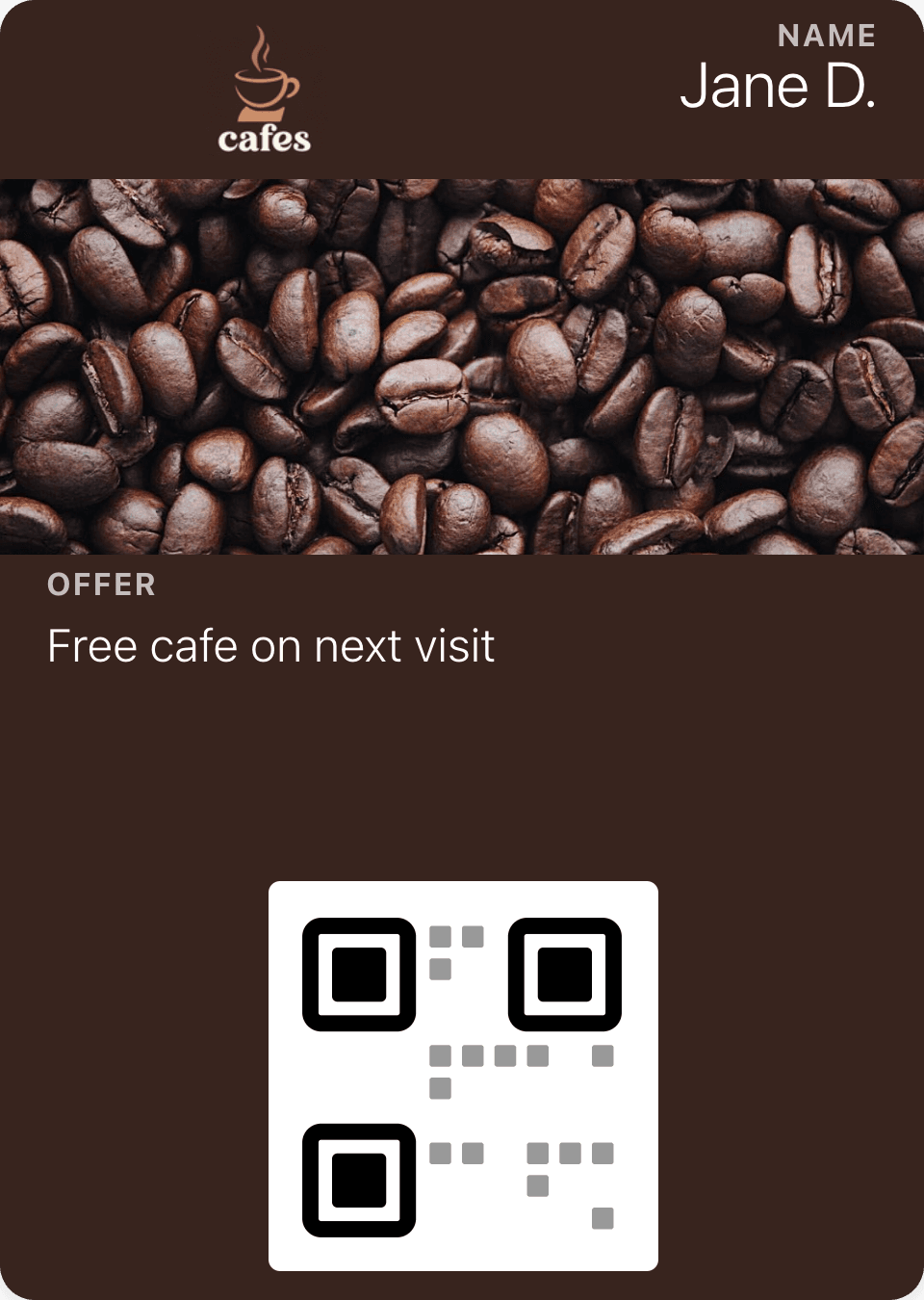
Coupon
A free coffee on the next visit
A single-use coupon for a new customer, or an unlimited one for the afternoons, when the window is still full. Redeemed with the same scan.
Beyond the card.
What the card does between one loaf and the next.
Fresh out of the oven
One message from the dashboard reaches every card as a notification: the Christmas cake is in, rye bread on Saturdays, closed for holidays. Each plan has its own allowance.
See the automationsOn the lock screen, on the way
When a customer with an iPhone walks near your bakery, the card appears on their lock screen with your line.
See the automationsMiss the everyday customers
An everyday customer who hasn't been in for two weeks gets your message on their lock screen. One in ten doesn't get it, so you can see whether it worked.
See the automationsAsk for a Google review
After the visit you choose, the card asks once for a review on Google, about an hour and a half later, with a link you can track.
See the automations

Questions from bakeries.
Anything else? Email us and we'll answer by email.
Print the QR code today. Get your first stamps tomorrow.
Free for up to 50 customers, no credit card.