The stamp card for cafés.
Nine coffees, the tenth free. The card lives in your customers' Apple or Google Wallet, so it can't be lost, forgotten or faked, and you see every stamp in the dashboard.

At the counter.
The morning rush doesn't slow down. Here is what changes and what doesn't.
- 01
The customer scans the QR
A table tent or a sticker by the till. The first time, the card saves to their Wallet in a few seconds. No app, no form beyond an email.
How to promote it at the counter - 02
Your team scans the card
The customer shows the card on their phone, the barista scans it with the Loyalshy app and the stamp lands on the spot. If it was a mistake, there are ten minutes to undo it.
- 03
The reward shows by itself
At the last stamp the card says so, and the customer redeems the free coffee on their next visit. Then the card starts again.
Two programs.
A stamp card for the daily coffee, a coupon for the quiet hours.
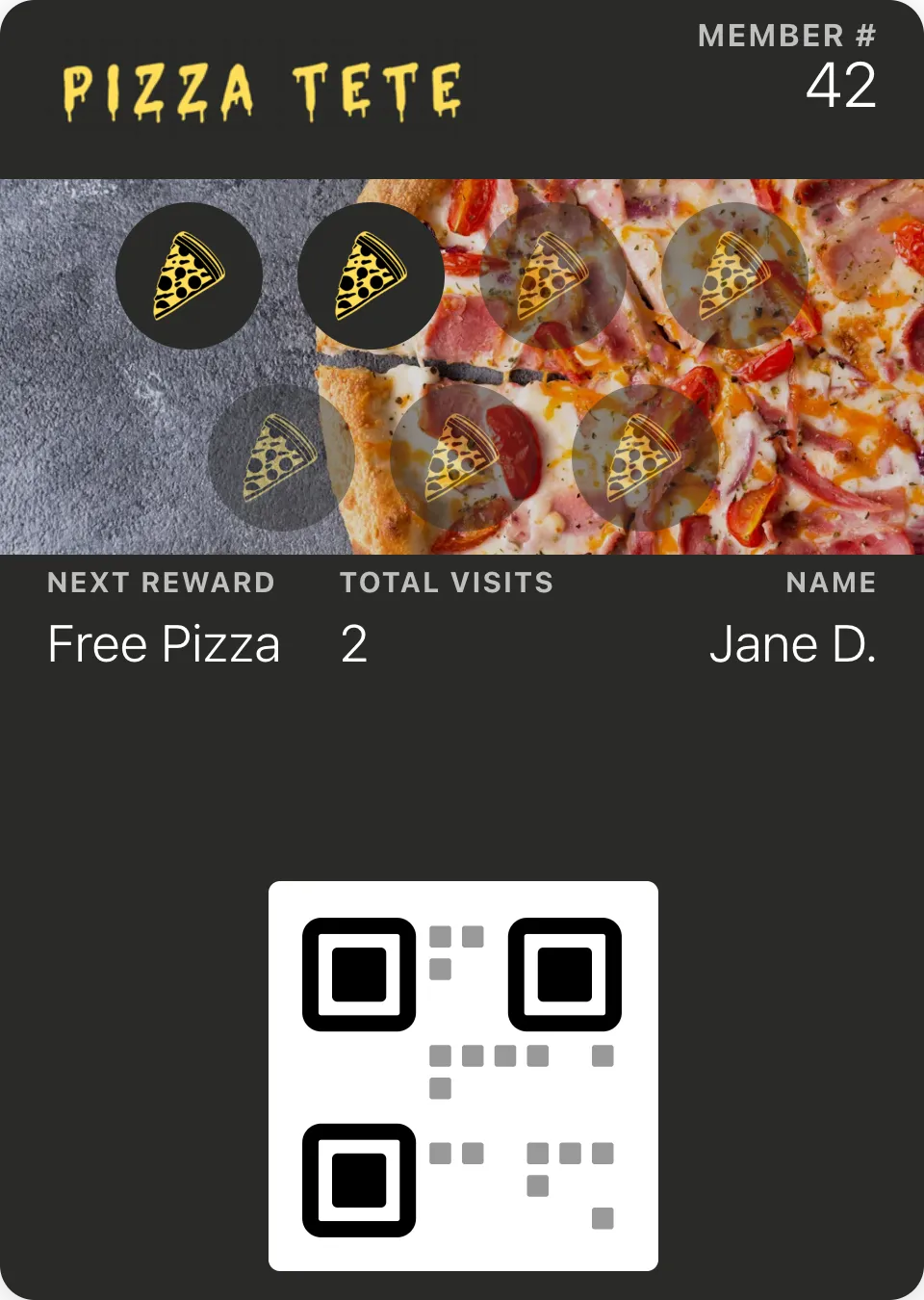
Stamp card
Buy nine, the tenth is on us
The classic card, in the Wallet. You choose the number of stamps, the reward and the design: the strip, the stamp icon and the colors are yours.
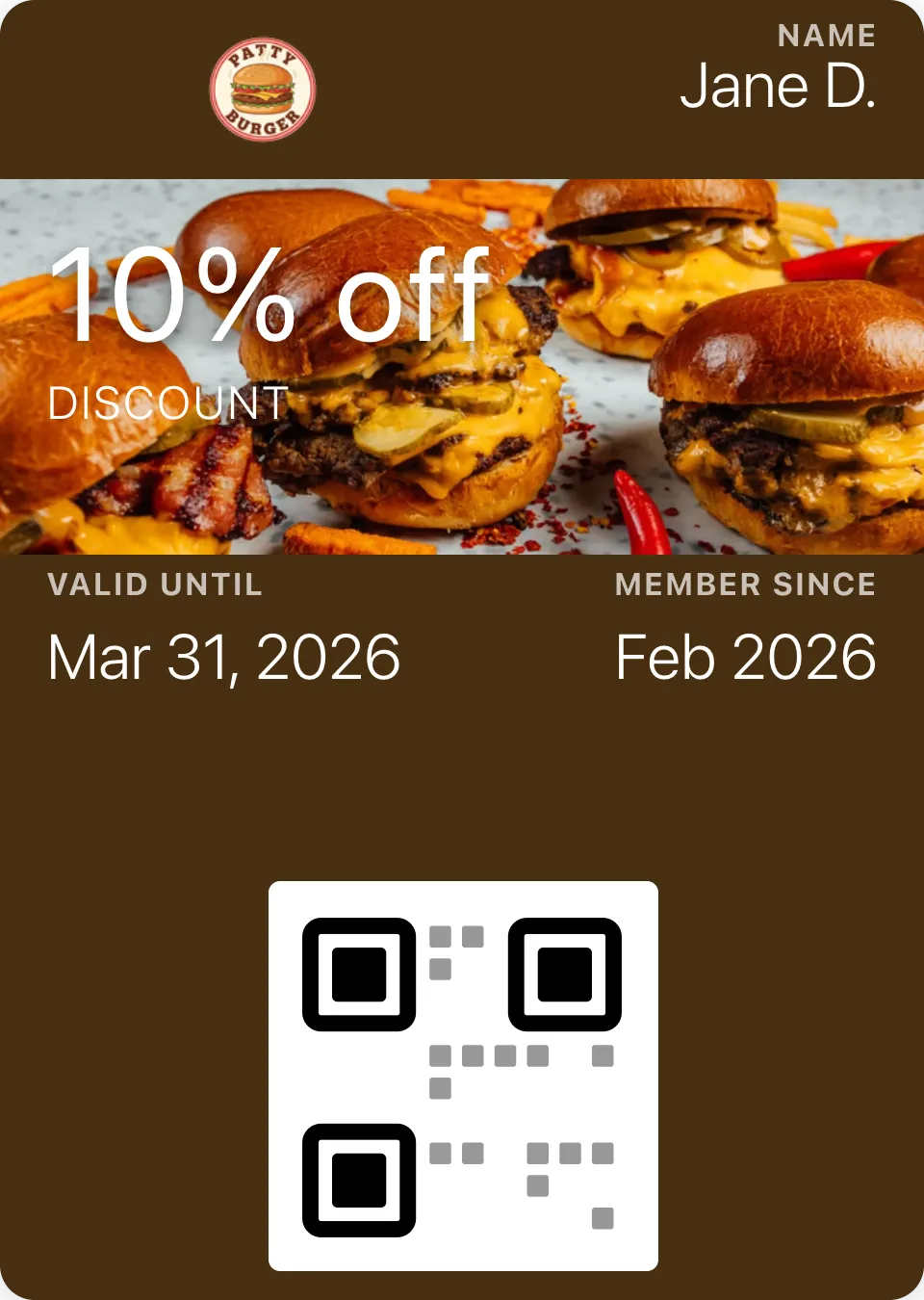
Coupon
2-for-1 from four in the afternoon
A single-use or unlimited coupon for the afternoon lull, a new pastry or the first week of a new location. Redeemed with the same scan.
Beyond the card.
What a paper card can never do.
Ask for a Google review
After the visit you choose, the card asks once for a review on Google, about an hour and a half later, with a link you can track.
See the automationsBring back the ones who stopped coming
A regular who hasn't been in for a month gets your “we miss you” message on their lock screen.
See the automationsShow up on the lock screen nearby
When a customer with an iPhone walks past your café, the card appears on their lock screen.
See the automationsTell everyone what's new
A new blend, the holiday opening hours, a 2-for-1 today. One message from the dashboard reaches every card.
See the automations

Questions from cafés.
Anything else? Email us and we'll answer by email.
Print the QR code today. Get your first stamps tomorrow.
Free for up to 50 customers, no credit card.