Where your customers sign up.
The card is in the Wallet. Now it has to be seen. Eight places and moments in a small business that bring sign-ups, with what to put there and what to say. The counter card and the table tent come free from your dashboard; the rest, we can make for you.
Counter card
The till.
A counter card with the QR, on the customer's side, next to where they pay. It's the best spot in the business: the phone is already out and there are a few seconds to wait.
Standing up, A6, at hand height. Not behind the till.
Café Sol
Scan and save your card to your Wallet
loyalshy.com
The line
What the team says.
“Do you have our card? It takes a second.” Said while they pay, it brings more sign-ups than any sign. Make it part of the first week's routine and the rest follows.
The team app opens on the camera. The whole thing is five seconds.
“Do you have our card? It takes a second.”

Table tent
The table.
A tent card people read while they wait. One side joins the program; the other asks for a Google review, for the ones who want to do it right now.
The review side facing the chair, the program side facing the aisle.
Café Sol
Scan and save your card to your Wallet
loyalshy.com
Café Sol
Enjoyed it? Leave us a review on Google
loyalshy.com
Door sticker
The door and the window.
A sticker for the person walking past, with the reason on it: the reward. It's also where “near your business” lights the card on the iPhones that already have it.
Eye height, outside, on the glass.
The 10th coffee, free. Scan.
Rubber stamp
The receipt.
A line at the bottom of the ticket, or a rubber stamp on it: “Ask for our card”. For whoever already prints receipts, with nothing to install.
If your POS prints QR codes, put the join link there.
Café Sol
Ask for our card
Reviews card
Google reviews.
The card asks for the review by itself after the visit you choose, from the Pro plan. At the counter, a small QR to your Google page for the ones who want to do it now. Never a reward in exchange.
Ask after the third visit, not the first.
Enjoyed it? Leave us a review on Google
Café Sol
Coupon
The welcome coupon.
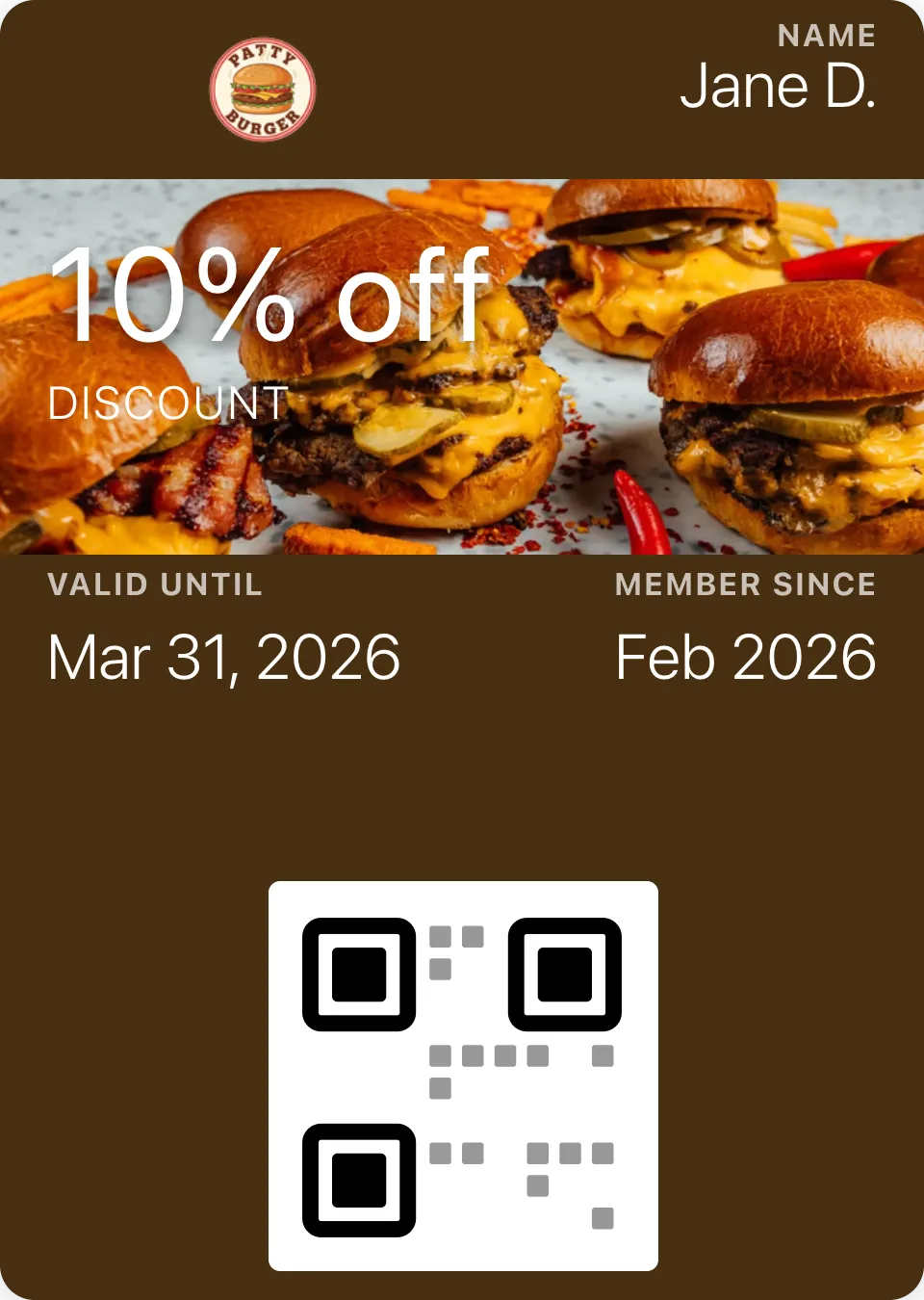
A single-use coupon for the first purchase gives the QR a reason to be scanned today. “Scan and get 10% off”: the card lands in the Wallet with the discount already on it.
A coupon alongside a stamp card needs the Pro plan.
Free from your dashboard.
The counter card and the table tent come out of Distribution as print-ready PDFs, with your logo, your colors and your program's QR. The tent's second side carries your Google reviews link once you've set it up.
- 01
Publish the program
The QR points to its join page, and it never changes, however much you edit the card.
- 02
Distribution, then Counter material
Two buttons: the A6 card and the A4 tent. The PDFs are ready to print.
- 03
Print it
Any copy shop. Card of 250 to 300 g, matte. Fold the tent along the dotted line.
Or we make it for you.
Tell us what you need and we'll answer with a price and a delivery date within two working days. Printed on card, cut, and sent to your business, with your logo and your program's QR.
Questions about promoting.
Anything else? Email us and we'll answer by email.
Print the QR code today. Get your first stamps tomorrow.
Free for up to 50 customers, no credit card.
Story and post templates
Instagram and WhatsApp.
The join link in the bio, a highlighted story that shows the card going into the Wallet, and the “thanks for coming” message with the link. Share-a-program in the team app gives you the link and the QR.
The story works better with the real card than with a design.
Save it to your Wallet
loyalshy.com/join/cafe-sol