The team app.
Scan, stamp, redeem. Loyalshy for iPhone and Android is what your team holds at the counter, and it comes with every plan.


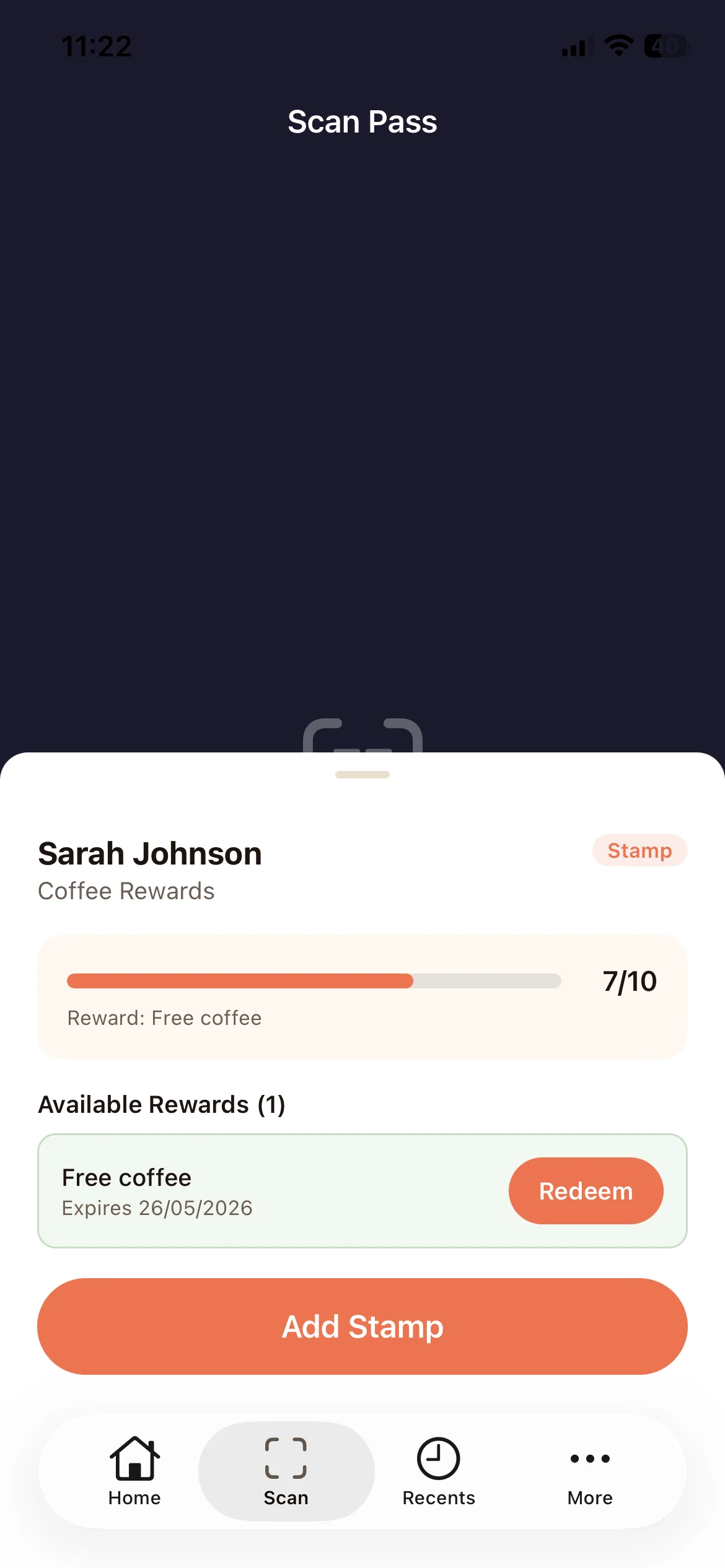
Scan
One scan, one stamp.
The app opens on the camera. Point it at the customer's card and the stamp lands, or the coupon is redeemed. Four seconds later the camera is back, ready for the next customer.
Added a stamp by mistake? Undo it within ten minutes.
Find customer
No phone at hand.
A customer without their phone? Search them by name or email and add the stamp from the same sheet.
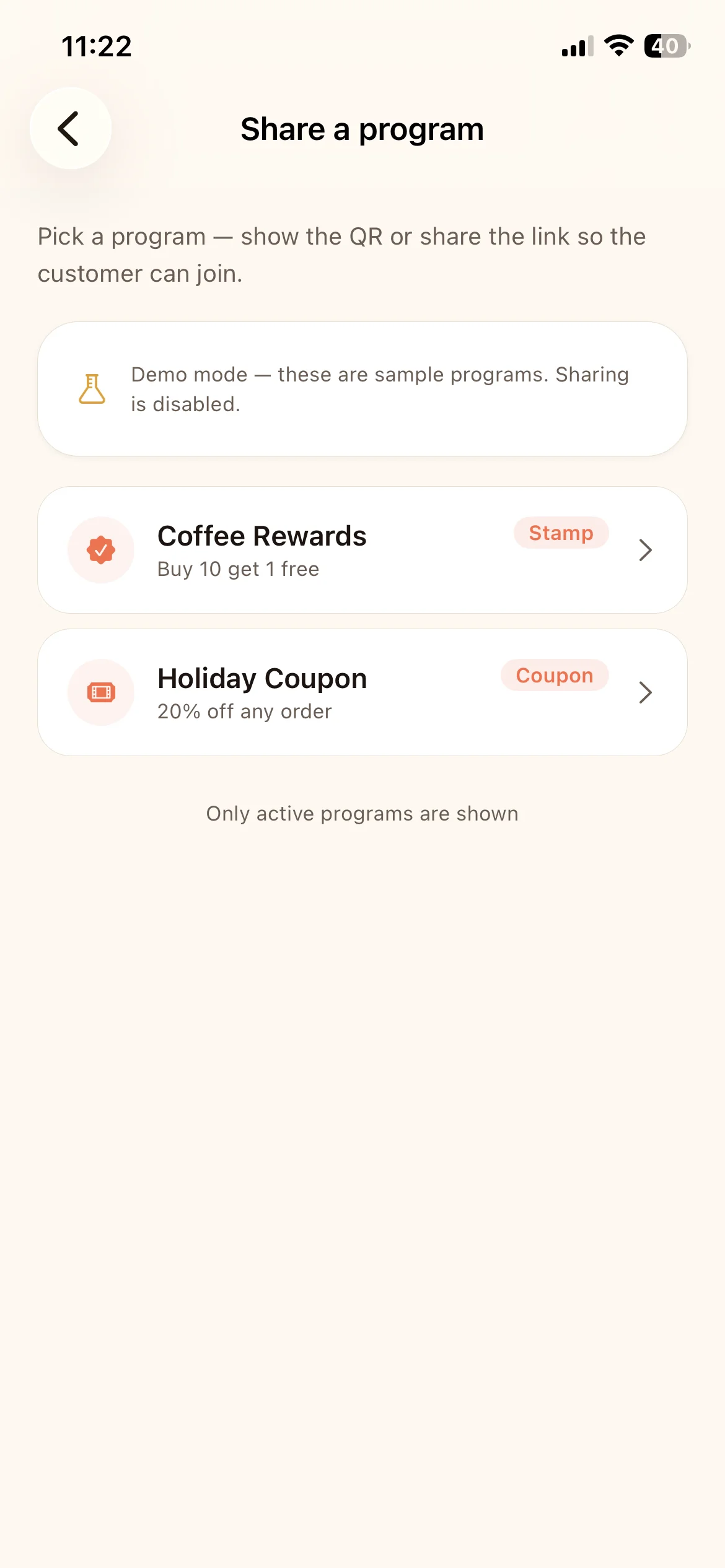
Counter mode
The QR on screen.
A full-screen join code for a tablet or a spare phone at the till. The screen stays awake, and a long press exits.
New customer
Sign up at the counter.
Type the customer's email and the card is issued and emailed on the spot. It's also how private programs get their members.
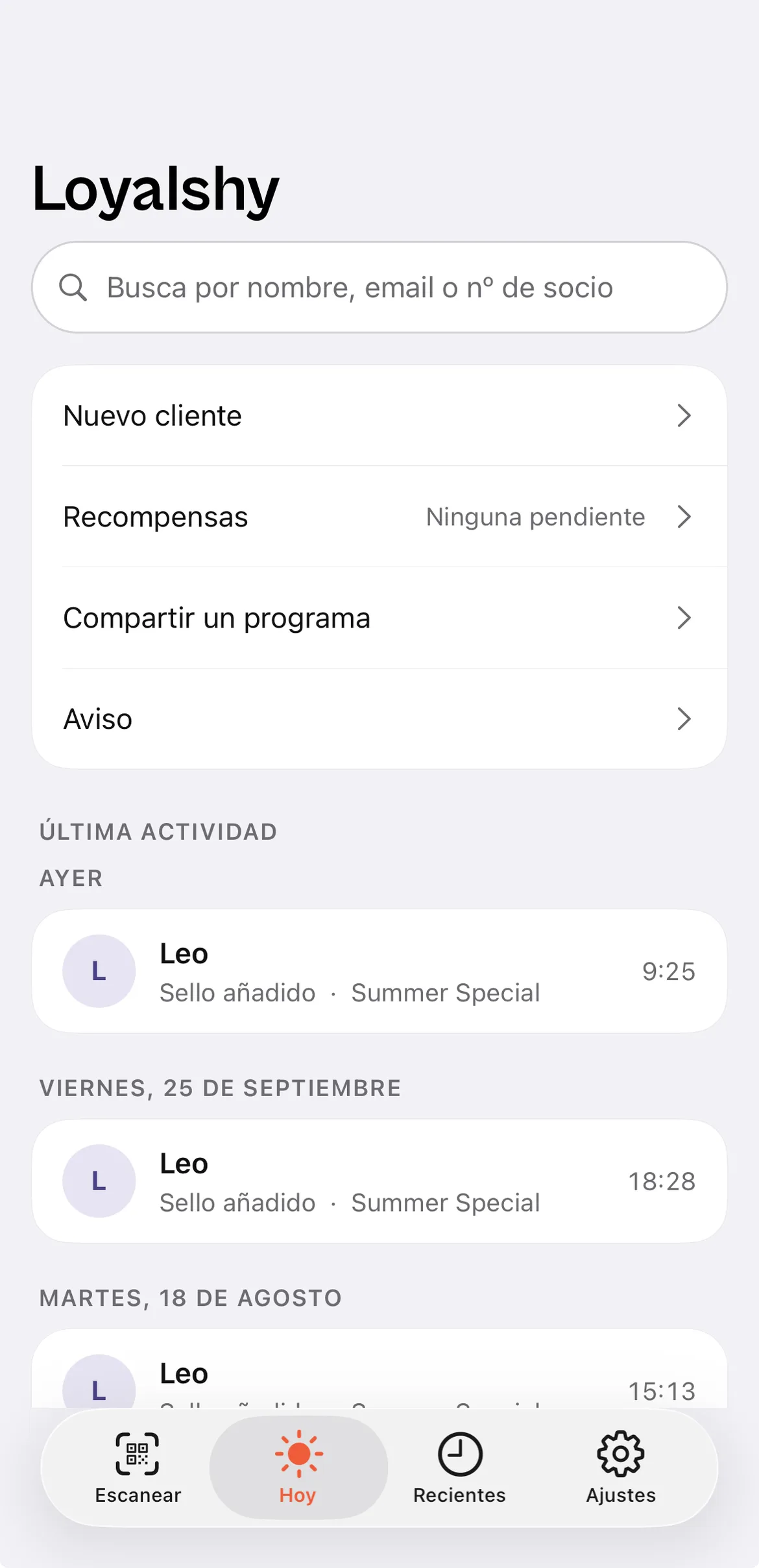
Pending rewards
Who has a reward waiting.
The rewards earned and not yet redeemed, soonest to expire first.
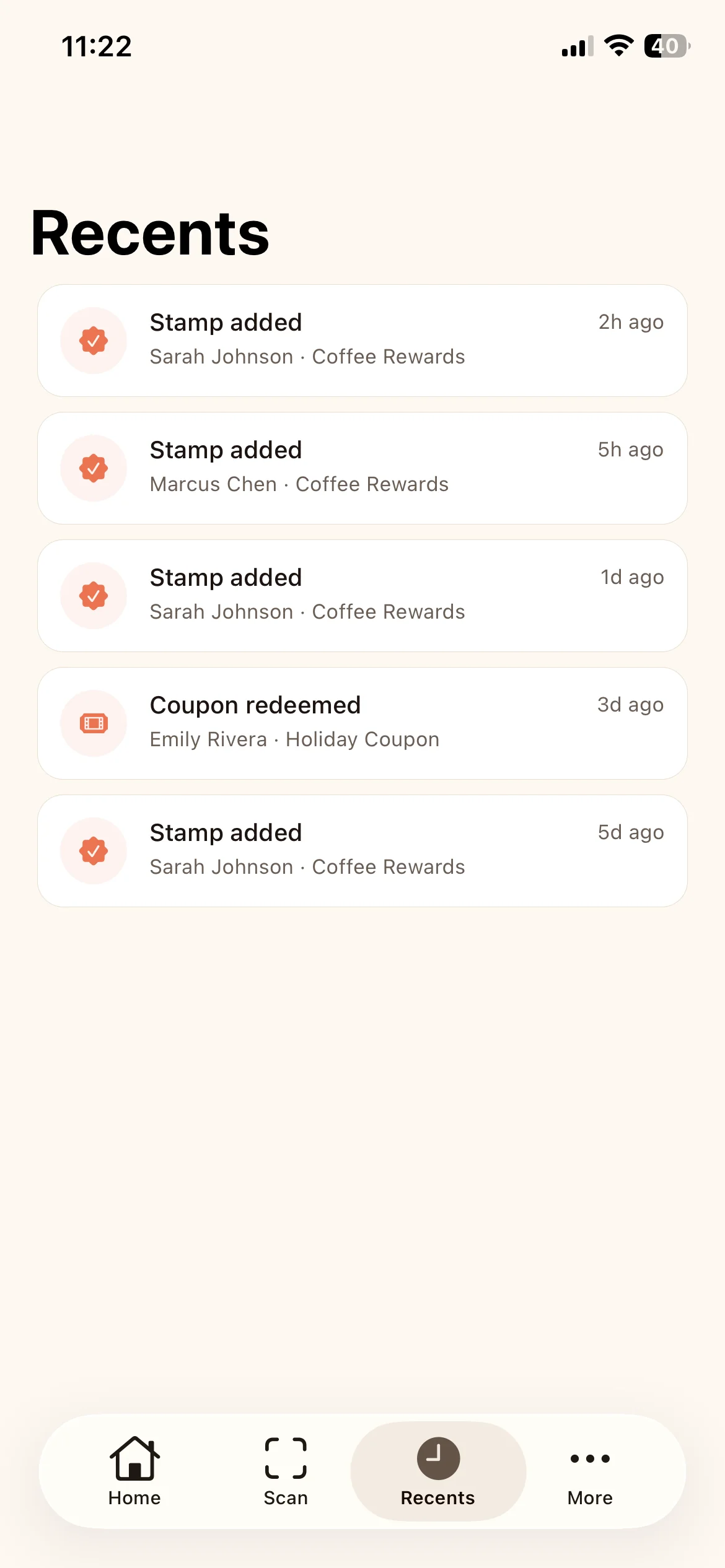
Announcements
A message to every card.
Owners and program managers can send a wallet announcement from the app, with the same quota as the dashboard.
Signing in.
Four ways in, so a new team member is ready in a minute.
Pair with a QR
From Settings, Team, show a QR with a six-digit PIN. The team member scans it, types the PIN and is in. No password.
Email and password
The same account as the dashboard.
Google
One tap with the Google account that's on the team.
The invitation link
The invite email opens the app directly on the right workspace.
Questions about the app.
Anything else? Email us and we'll answer by email.
Print the QR code today. Get your first stamps tomorrow.
Free for up to 50 customers, no credit card.